8 min setup guide
How to set up Fire TV Stick
Install a compatible player and sign in with your activation details.
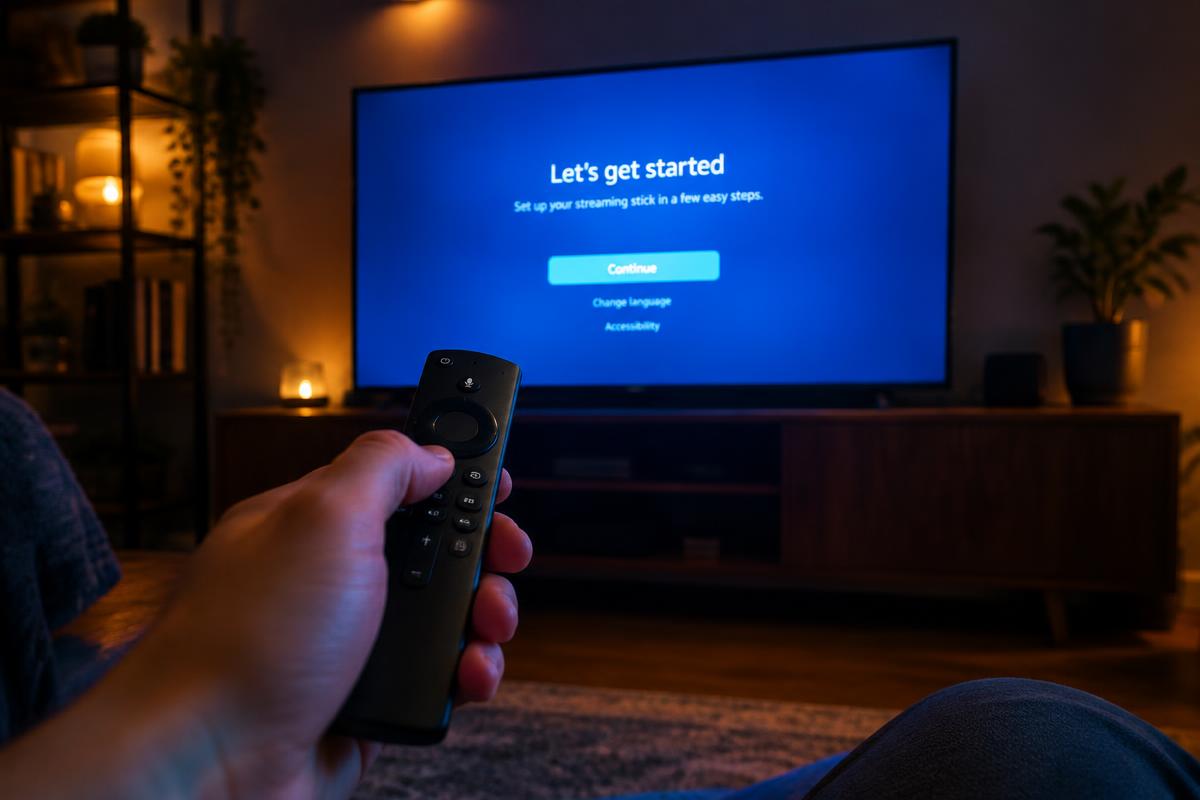
Before you begin
You need your XOXOIPTV login details from your WhatsApp welcome message. Download players only from official app stores or the verified address our support team provides.
- 1
From the Fire TV home screen, open Find > Search and install the free Downloader app.
- 2
Go to Settings > My Fire TV > Developer Options. If it is hidden, open About, highlight your device name, and press it seven times to unlock it.
- 3
In Developer Options, allow Install unknown apps for Downloader only.
- 4
Open Downloader, dismiss the first-run prompts, and enter the verified download code or address from your XOXOIPTV welcome message.
- 5
When the download finishes, confirm the installation and open the player.
- 6
Choose the Xtream Codes login method, then enter your username, password, and portal address exactly as supplied and select Add User.