6 min setup guide
How to set up Formuler & MYTVOnline2
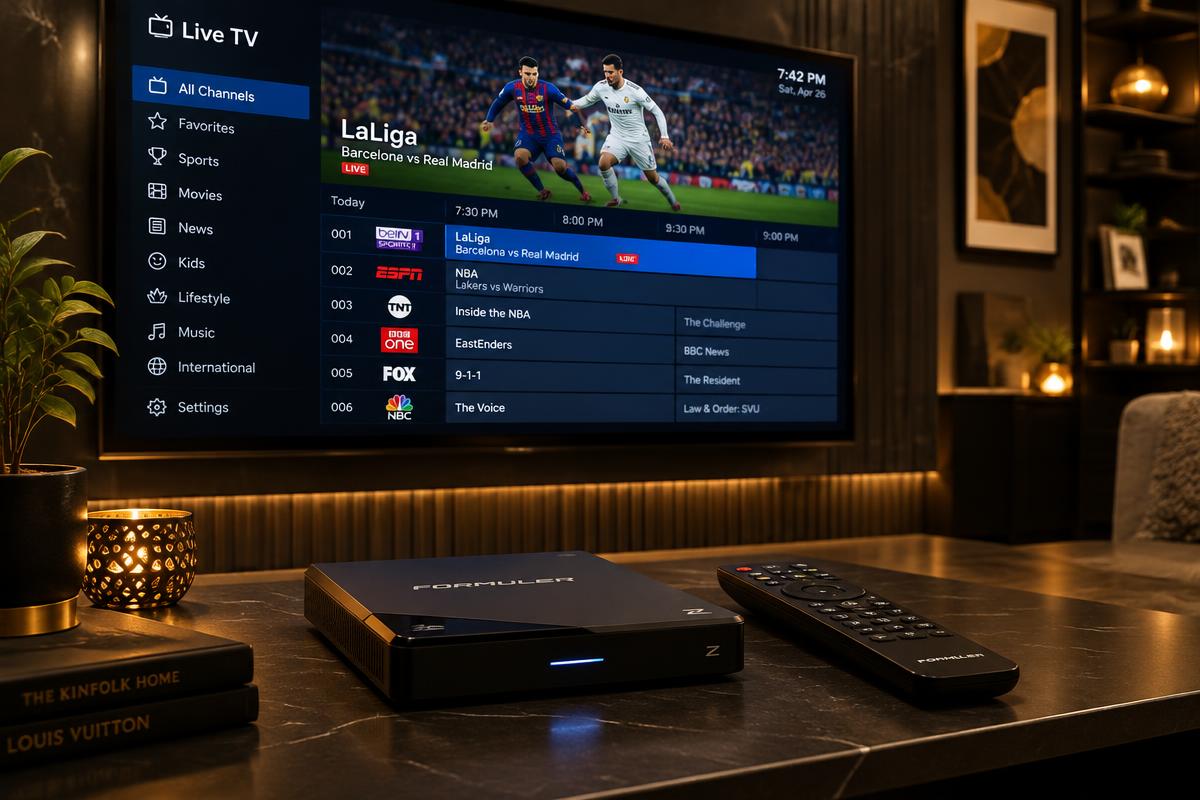
Connect a Formuler Z box with the MYTVOnline2 app using your portal or playlist details.
Before you begin
You need your XOXOIPTV login details from your WhatsApp welcome message. Download players only from official app stores or the verified address our support team provides.
- 1
Open MYTVOnline2 on your Formuler box (it comes preinstalled on Formuler Z models; otherwise install it from Google Play).
- 2
Note the MAC address shown at the top of the screen and send it to XOXOIPTV support — portal access is linked to that address.
- 3
Choose Add Portal to set the box up like a MAG-style portal device.
- 4
Enter a portal nickname such as XOXOIPTV and the portal URL from your welcome message, then press Connect.
- 5
Wait while the channels, movies, and program guide load — the first connection can take a few minutes.
- 6
If your plan uses a playlist instead of a portal, choose Add Playlist and enter the M3U details from support.