6 min setup guide
How to set up Smart TV
Set up your service on Samsung, LG, or Android-based televisions.
Before you begin
You need your XOXOIPTV login details from your WhatsApp welcome message. Download players only from official app stores or the verified address our support team provides.
- 1
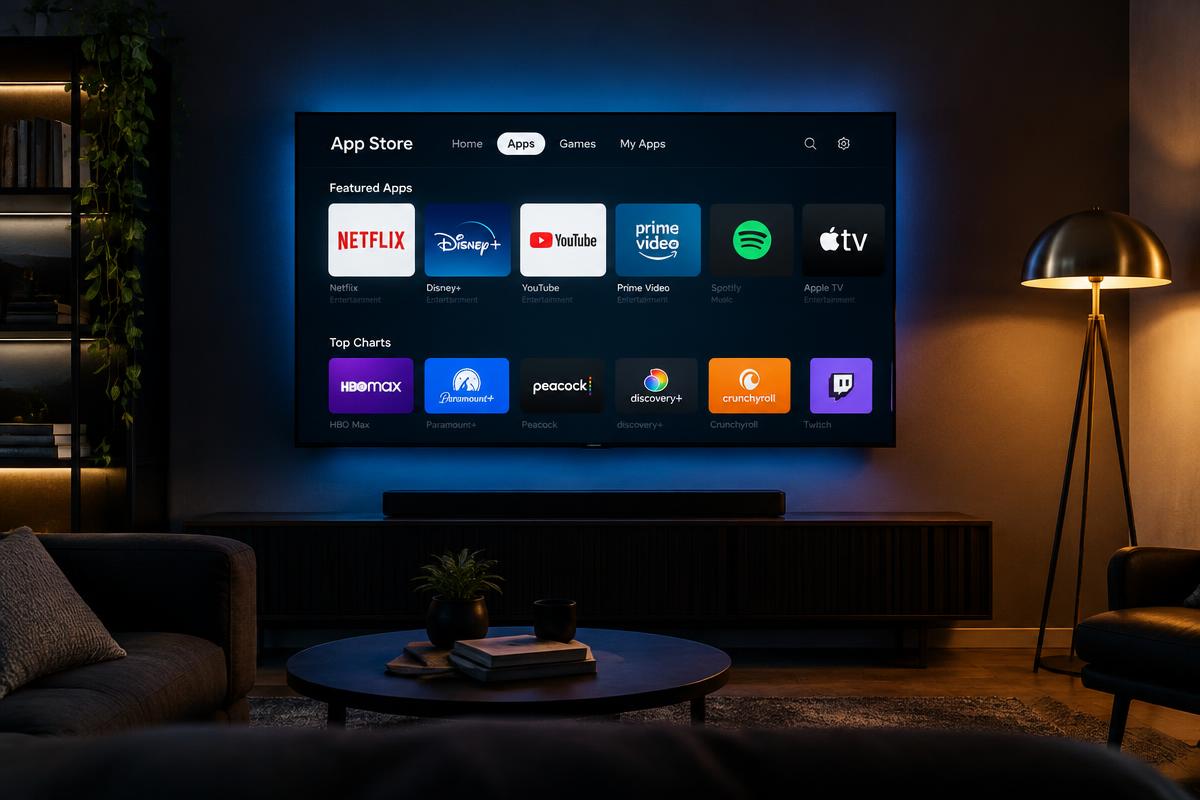
On a Samsung TV press the Smart Hub button on the remote; on an LG TV press Home and open the LG Content Store; on Android TV open Google Play.
- 2
Search for IPTV Smarters Pro (or the player named in your XOXOIPTV welcome message) and install it.
- 3
Open the player, accept its terms, and choose Login with Xtream Codes API.
- 4
Enter the username, password, and portal URL from your welcome message exactly as supplied.
- 5
If the player shows a device ID or MAC address and asks for activation, send it to support on WhatsApp and wait for confirmation.
- 6
Restart the player after the channel list and program guide finish loading, then save your favourite channels.